

Download BlackBerry UEM Client – enterprise mobility management, device security, mobile device management, EMM, secure communication, corporate policy compliance
Overview
The BlackBerry UEM Client is a dedicated application designed for Android devices, developed by BlackBerry Limited. It serves as a bridge between enterprise mobility management (EMM) systems and corporate mobile devices, enabling organizations to centrally manage and secure employee-owned or company-issued smartphones and tablets. The software is specifically tailored for enterprise environments where data protection, compliance, and remote device control are critical. It allows IT administrators to enforce security policies, monitor device status, and manage application access from a unified platform.
Target users include IT professionals, corporate security officers, and business managers responsible for mobile device governance within their organizations. The app is ideal for companies adopting bring-your-own-device (BYOD) policies or managing fleets of corporate mobile devices. Real-world usage scenarios include securing sensitive business data, enforcing encryption standards, remotely wiping lost or stolen devices, and ensuring that all devices adhere to internal security protocols. The client supports integration with BlackBerry’s broader enterprise ecosystem, facilitating seamless policy enforcement and compliance reporting.
Key Features & Capabilities
- Centralized Device Management – Enables IT teams to oversee multiple Android devices from a single console, simplifying administration and reducing operational overhead.
- Policy Enforcement – Applies organization-specific rules such as password requirements, screen lock timing, and encryption settings to ensure compliance with corporate standards.
- Remote Device Actions – Supports remote lock and wipe functions, helping to protect data in case of device loss or theft.
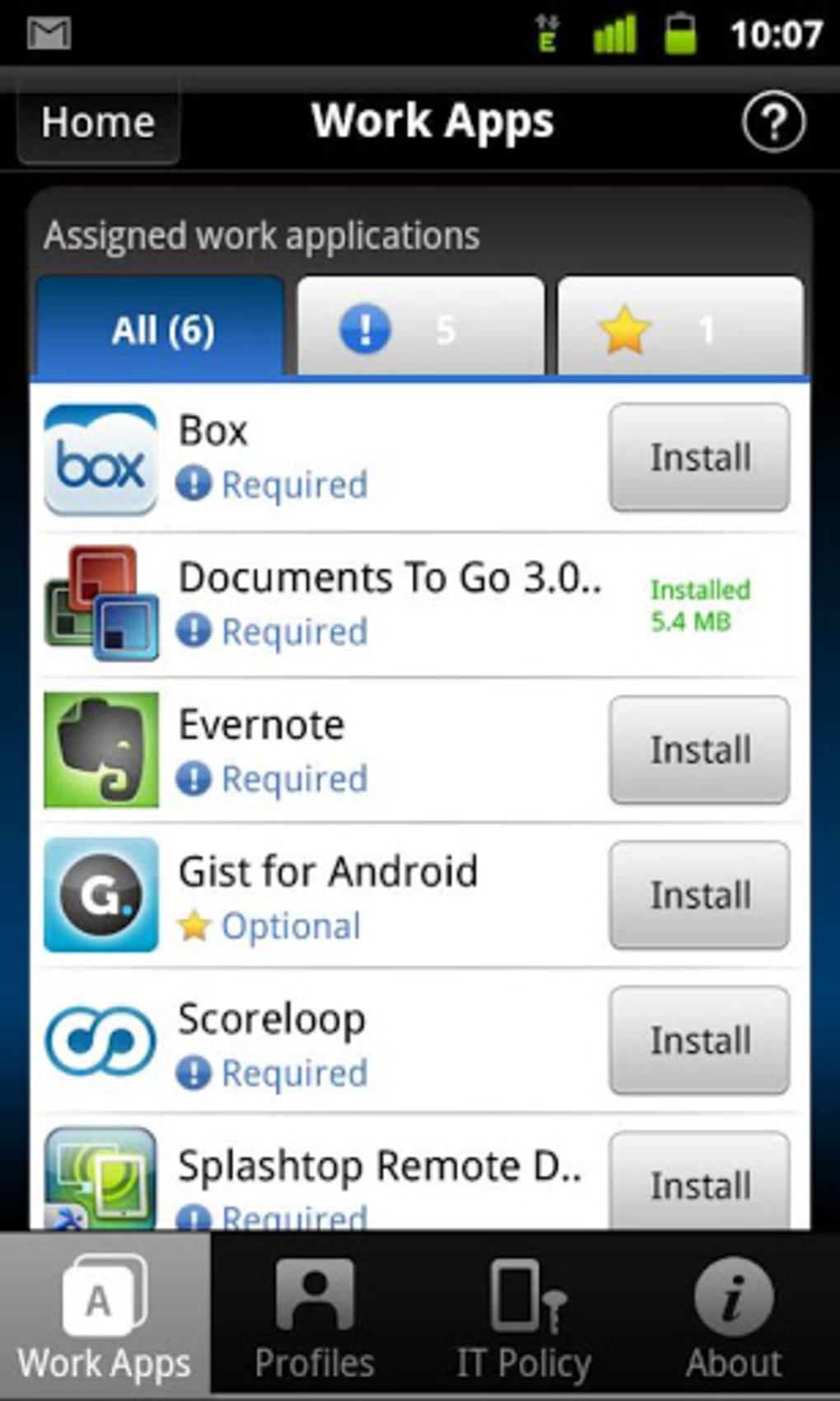
- Application Control – Allows administrators to approve or block specific apps, ensuring only authorized software runs on managed devices.
- Secure Communication Channels – Facilitates encrypted data transfer and secure access to enterprise resources, minimizing exposure to external threats.
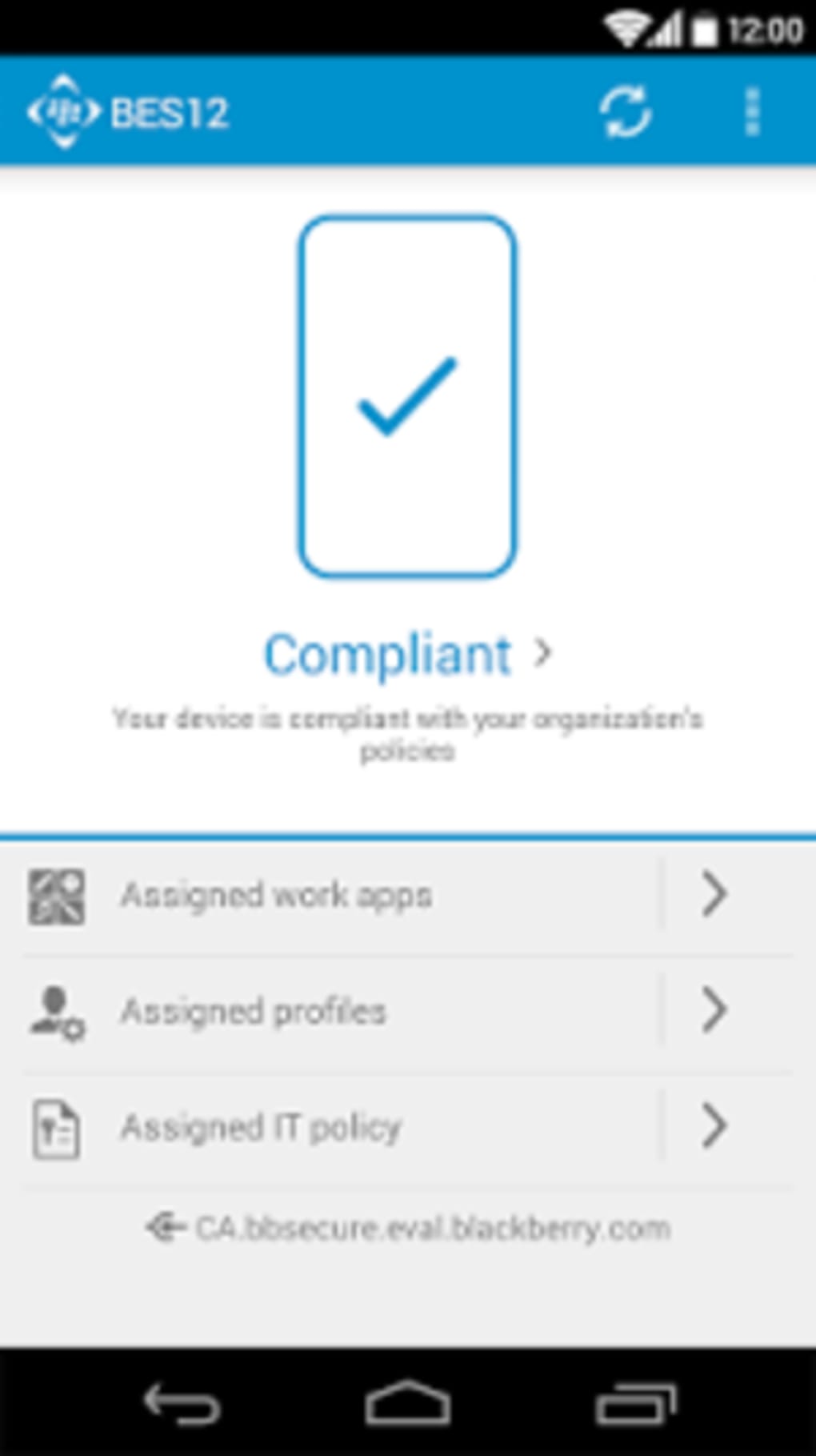
- Compliance Monitoring – Provides real-time visibility into device compliance status, flagging non-compliant devices for immediate action.
These capabilities are particularly valuable in regulated industries such as finance, healthcare, and government, where data integrity and regulatory adherence are mandatory. The client ensures that all mobile endpoints meet predefined security benchmarks, reducing the risk of data breaches and unauthorized access.
User Interface, Workflow & Performance
The BlackBerry UEM Client features a streamlined interface designed for minimal user disruption while maintaining full functionality. Navigation is structured around core management tasks, with clear access to device status, policy details, and available actions. The workflow is optimized for both end-users and administrators, allowing quick access to essential functions like policy acknowledgment and device reporting.
As a lightweight application with a file size of 14.5 MB, the client is designed for efficient operation on Android devices. The developer did not specify resource usage details, but based on typical EMM clients, it operates in the background with minimal impact on battery life and system performance. Stability is expected to be high, given BlackBerry Limited’s long-standing focus on enterprise security. Performance observations are based on general software behavior patterns, and no anomalies were reported in the provided documentation.
Compatibility & System Requirements
The BlackBerry UEM Client is designed exclusively for Android operating systems. It is compatible with Android devices running version 5.0 and above, though specific version requirements were not detailed in the provided information. The installation size is 14.5 MB, which is relatively small and suitable for most modern Android devices.
Exact system requirements were not listed. The developer did not provide additional system requirements. Compatibility information is limited to the operating system and version provided. Users should ensure their device meets minimum Android standards to run the application without issues.
Pros and Cons
Pros
- Free to download and use, reducing cost barriers for enterprise adoption.
- Strong focus on enterprise-grade security and compliance.
- Centralized management simplifies device oversight for IT teams.
- Remote lock and wipe capabilities enhance data protection.
- Designed for integration with existing EMM infrastructure.
- Lightweight footprint with minimal system impact.
Cons
- Available only for Android, limiting cross-platform flexibility.
- No information on iOS or other OS support.
- Advanced features may require additional backend configuration.
- Dependent on organization’s existing EMM infrastructure.
- Interface may feel technical to non-IT users.
FAQ Section
Is the BlackBerry UEM Client available for iOS devices?
Based on the provided information, the application is only available for Android devices. No details were given about iOS compatibility.
Is the software secure to use?
As a product developed by BlackBerry Limited, a company with a long history in secure communications, the client is designed with enterprise security in mind. It supports encrypted data transmission and policy enforcement to protect sensitive information.
How often does the app update?
The latest version available is 12.11.1, released on March 14, 2024. The update frequency is not specified in the provided details.
What type of license does the software use?
The software is provided as free to download and use. No licensing model was detailed beyond the free access.
Can I use the BlackBerry UEM Client offline?
The app requires connectivity to an enterprise EMM server to function properly. While some local data may be cached, full functionality depends on an active network connection.
Final Thoughts + CTA
The BlackBerry UEM Client stands out as a reliable, lightweight solution for organizations seeking to enforce mobile device security and compliance. Its integration with enterprise mobility management systems, combined with robust policy enforcement and remote management tools, makes it a valuable asset in modern IT environments. While it is limited to Android devices and requires a backend EMM setup, its free availability and strong security foundation offer significant advantages.
IT administrators and corporate security teams managing mobile workforces will benefit most from its centralized control and compliance monitoring. For businesses prioritizing data protection and regulatory adherence, this tool delivers essential functionality without added cost.
Download BlackBerry UEM Client now





.png)

